

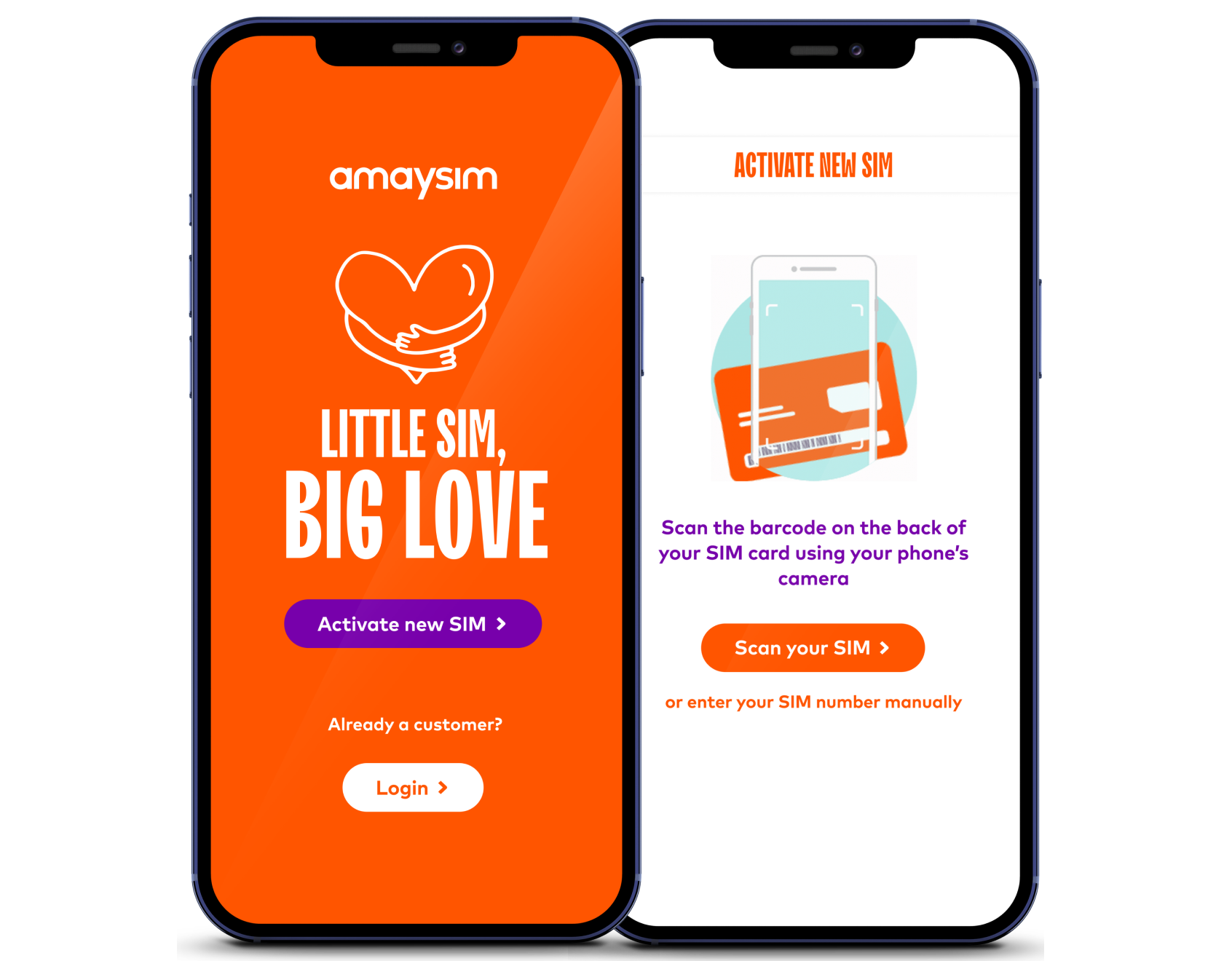
READY TO GO AND IN CONTROL
We've made the app easy so you can:
- Activate your SIM with zero fuss
- Check your mobile credit and data balance, and add more for when you need it
- Switch your mobile plan at any time
- Manage the auto-renew settings for your amaysim mobile plan
- Update other settings like call waiting, voicemail and roaming
Scan the QR code above to download the amaysim app


Activate your SIM using your web browser
Bought a SIM online or in store?
Ordered a replacement SIM?
ACTIVATION HELP
Transferring your mobile number is quick, easy and all online. All you need are your account details with your current Aussie telco - you don't have to cancel your plan with them, all you have to do is kick off the transfer with us. And there's absolutely no paperwork and no downtime.
Once you've entered the details of your SIM, your SIM should become active within 4 hours (In most cases the service will connect instantly and you'll simply need to insert the SIM into your device).
If you're looking to transfer your number to amaysim, your SIM will become active once the transfer process is complete. Most transfers will become active within a few hours, however the process can take up to 3 working days depending on which provider you're switching from.
During the transfer you can continue to use your current provider's SIM. Once it stops working, that'll mean your amaysim SIM is in the process of being activated.
Yes you can. Keep a valid form of ID handy. For instance, an Australian drivers licence, passport or Medicare card.